

Google Pay
Pay faster with Google Pay
Use Google Pay to make fast, secure payments with your phone or smartwatch. No wallet, no hassle — just tap and go.
Easy
You don’t need your card when paying – a phone or smart device is enough. This allows you to leave your wallet at home, as your payment card stays with you, for example, on your phone.
Secure
When you pay with Google Pay, your card information is never shared with anyone during the transaction.
Fast
With Google Pay, you always pay for your purchases using contactless payment without entering a PIN—even for purchases over €50.
How to pay with Google Pay
The Google Pay payment method works seamlessly in stores, online, and in apps. You can pay with Google Pay whenever you see either the contactless payment icon or this Google Pay icon.
Paying with Google Pay is easy:
Unlock your phone or open Google Wallet on your watch.
Hold your device near the payment terminal until the payment is successful or your watch vibrates.
Confirm the payment method separately if prompted to do so.
How to add your card to Google Pay
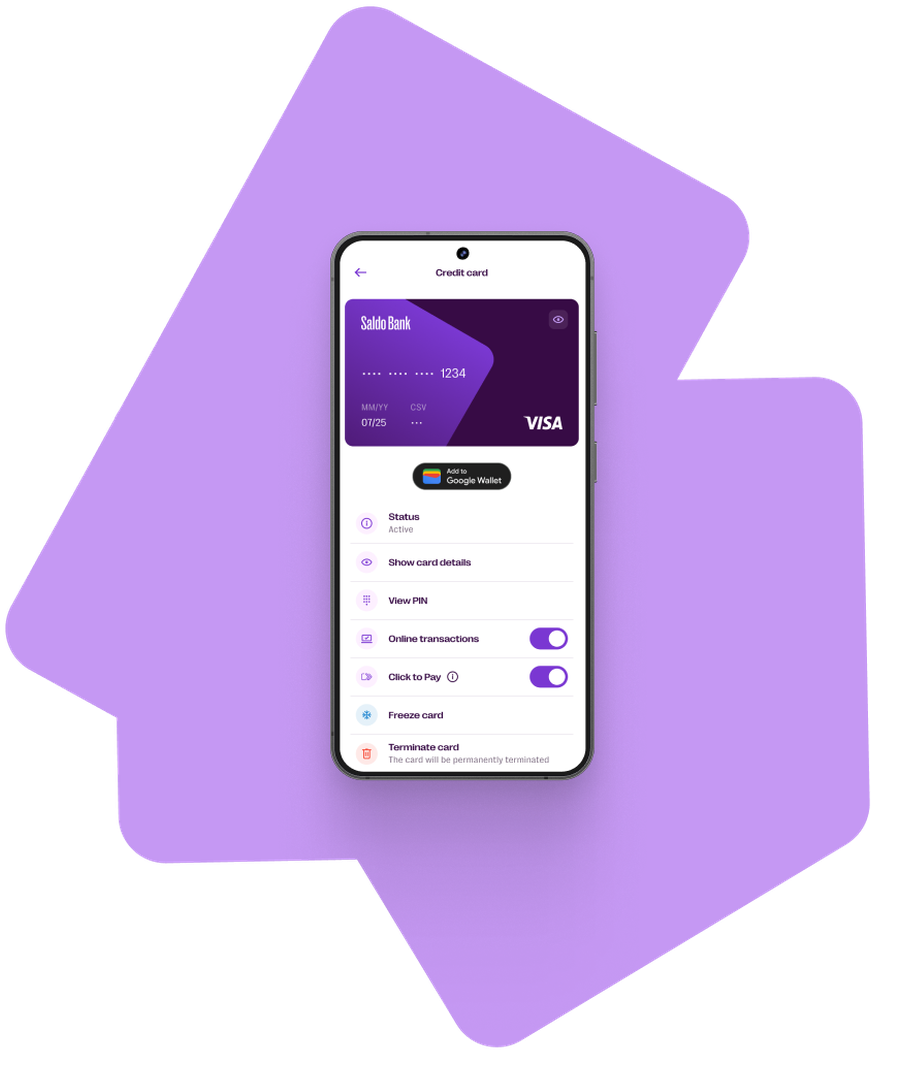
You can set up Google Pay in two different ways: either through our app or via the Google Wallet app.
Option 1: In the Saldo Bank app
Open the Saldo Bank app.
Select your card and go to the card details.
Click "Add card to Google Wallet", follow the instructions, and accept the terms and conditions.
Option 2: Alternatively
Open the Google Wallet app and select "Add a card".
Enter your card details and follow the instructions.
Confirm the card addition in the Saldo Bank app.
One tap is all it takes.
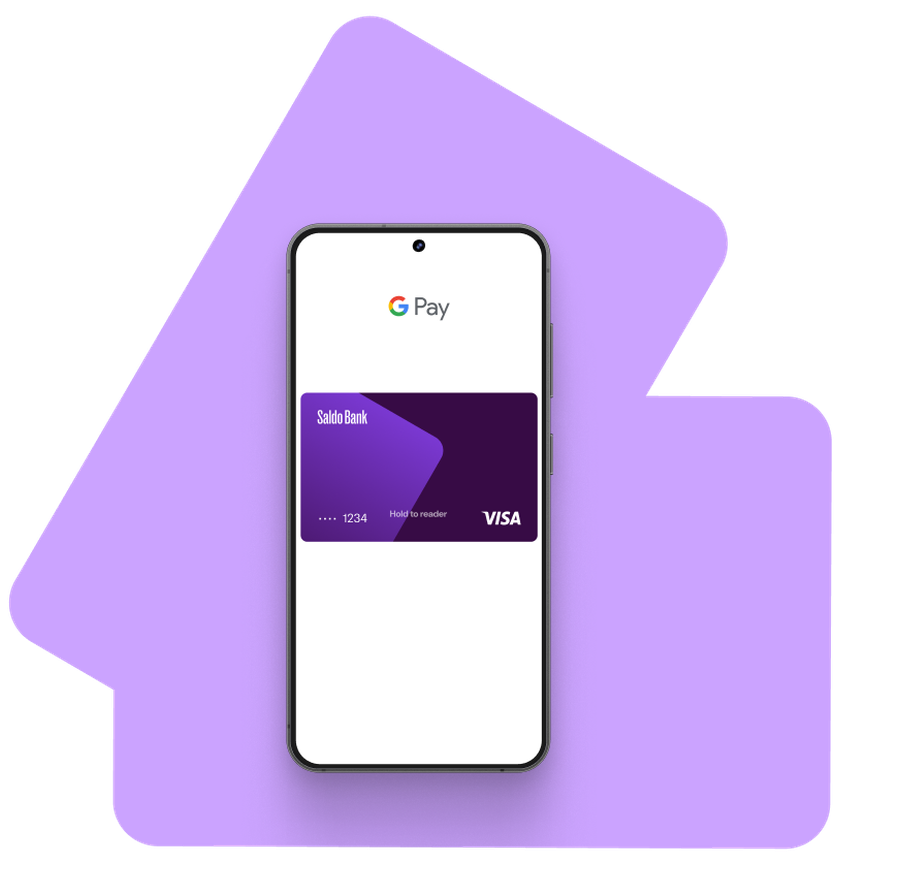
Leave cash and cards behind. With Google Pay, paying is as simple as unlocking your phone and holding it near the terminal.
No apps to open. No forms to fill. Just tap and go.
Works online and in apps.
Skip typing in your card details at checkout. Google Pay lets you pay online or in apps with a single click — faster and smoother than traditional card payments.
Google Pay works with millions of merchants worldwide — in stores, online, and in your favorite apps. Wherever contactless payments are accepted, Google Pay is ready.
You can use Google Pay with your Saldo Bank card for everyday purchases, subscriptions, and travel.
Built-in security, always on.
Google Pay protects your payments with multiple layers of security, including device authentication and advanced encryption.
Your real card number is never stored on your device or shared during transactions.
Pay confidently with your Android device.
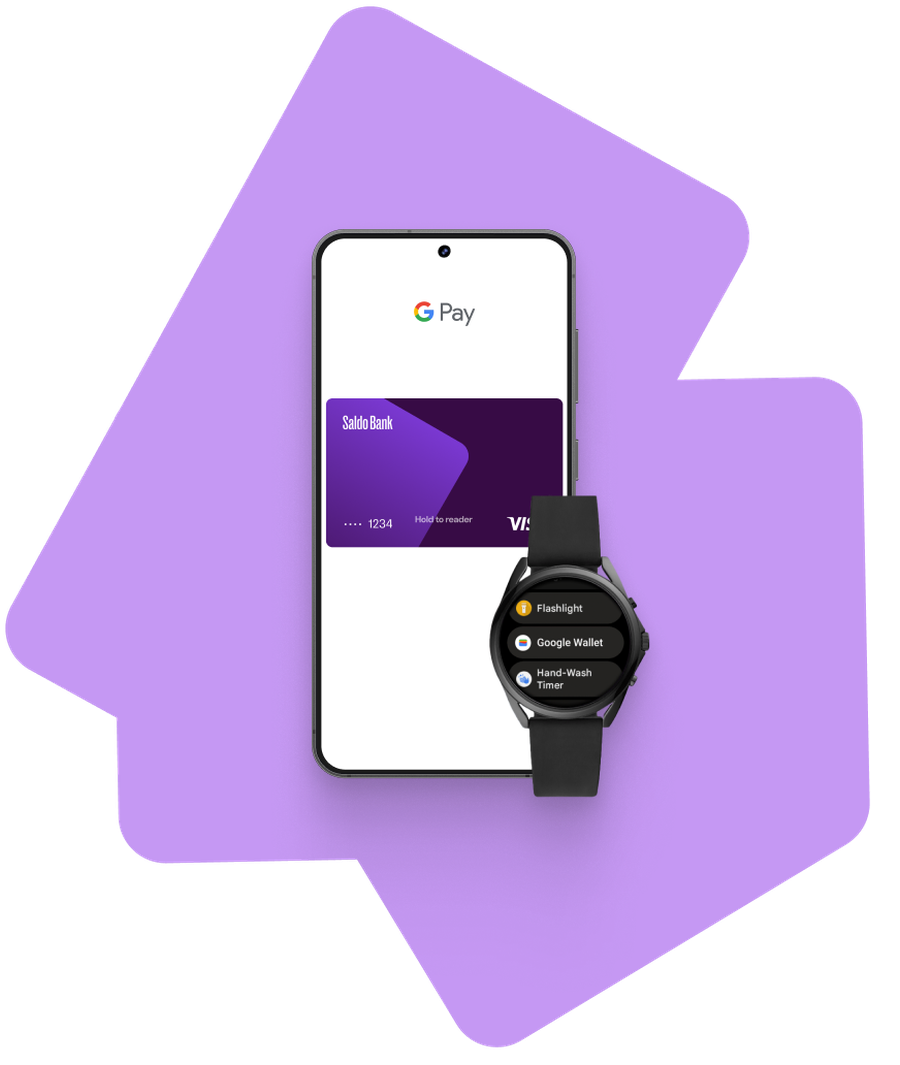
Use Google Pay on compatible Android phones and smartwatches — no physical card required.
Whether you’re tapping to pay at a checkout, boarding public transport, or picking up lunch on the go, Google Pay lets you move faster through your day. Payments work even when your phone is offline, so you’re never stuck at the terminal.
Have a question? We answered most of them already.
Cannot find answer to your question?
Contact usGoogle Pay is a payment method for Android devices that allows you to pay with your card without needing the physical card itself.
When you add your card to Google Wallet, you can pay with your device anywhere Google Pay is accepted as a payment method.
To use Google Pay, you need a compatible device. The device can be a smartphone, tablet, or watch, and it must run Android 7 or a newer version.
In addition, the device must have NFC (contactless payment) capability. You can check for this feature in your device's settings.
No, it does not. You can pay for your purchases with Google Pay even without an internet connection, as the payment is processed through payment terminals that support contactless payments.
If your device is lost or stolen, you can, for example, use Google’s "Find My Device" feature to wipe your phone's data or lock your device.
You can also easily freeze your card using the Saldo Bank app.